Provides real-time previewing of Xamarin.Forms XAML source in Visual Studio, by pushing the XAML to devices running a Xamarin.Forms.Player app.
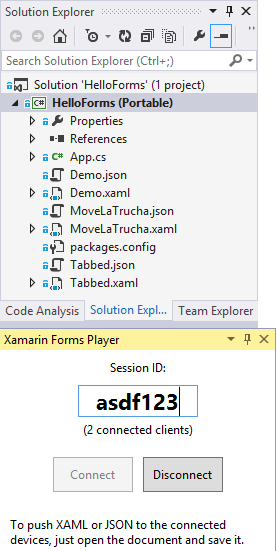
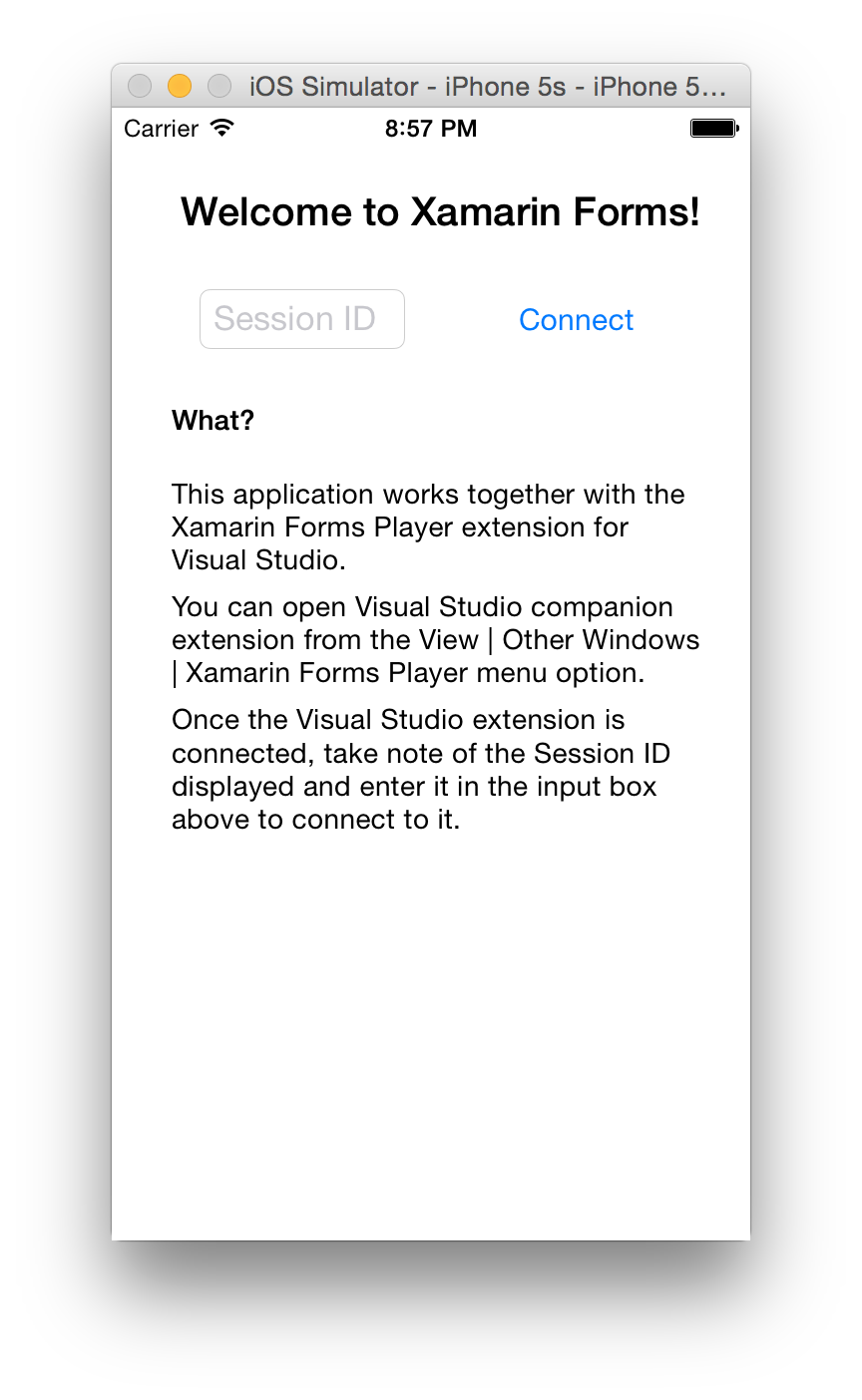
The extension provides a new View | Other Windows | Xamarin Forms Player command, that opens a Tool Window. The session ID shown in this window should be entered in the running Xamarin Forms Player mobile app, and that will connect both. This means that you can preview the XAML in more than one device at the same time.
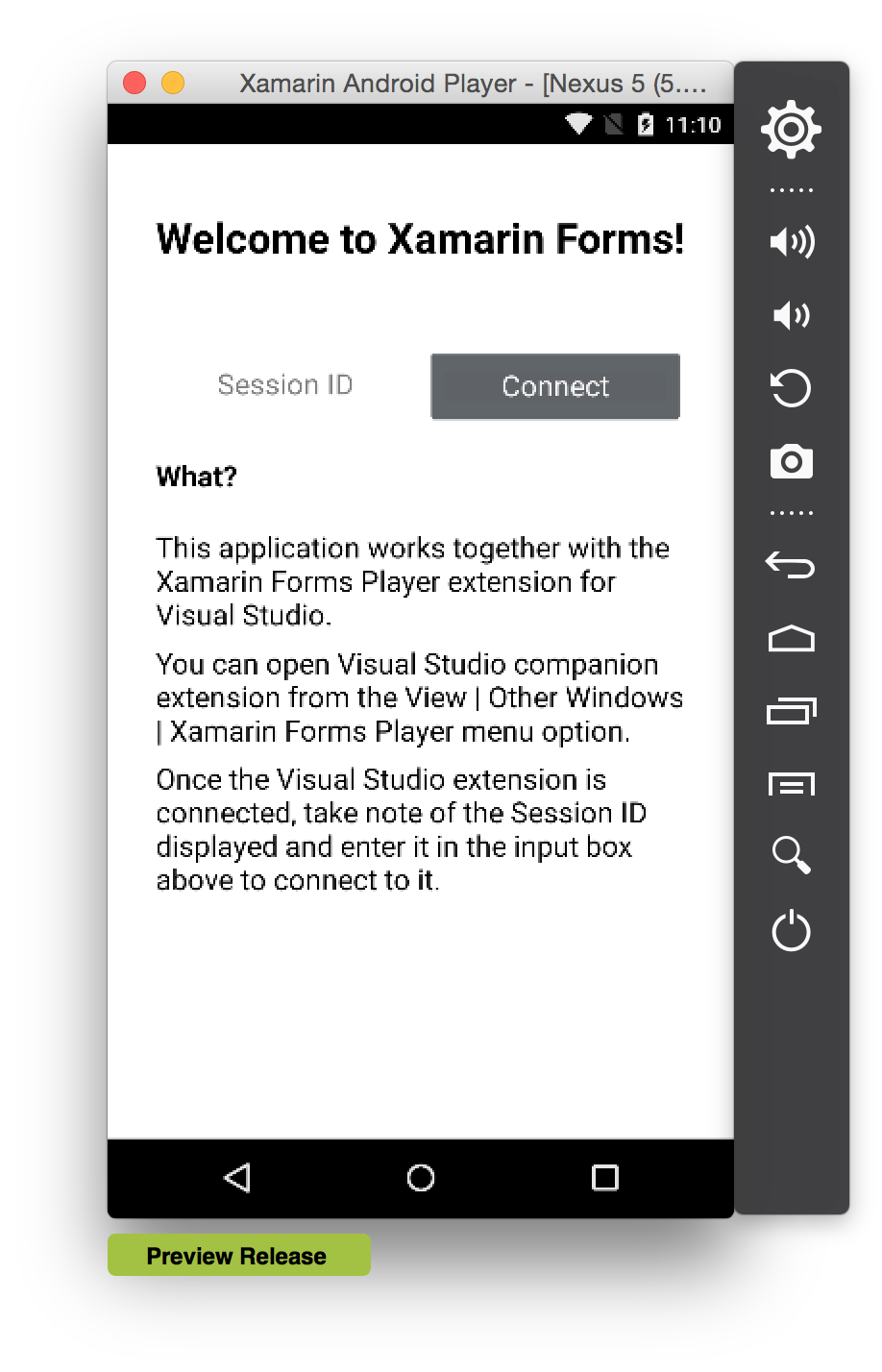
To get the Xamarin.Forms.Player app on the device, either build it yourself from source or grab a pre-built APK directly from the 发布 page (for Android).
To enable support for custom controls, behaviors, converters, etc. you need to embed FormsPlayer in your application. The steps to do so are (the complexity caused by Microsoft.AspNet.SignalR.Client not installable into latest iOS/Android):
- Update 个人资料 in your PCL project (should be 个人资料78 to be able to install Microsoft.AspNet.SignalR.Client). This could be done by editing you .csproj in notepad and altering TargetFramework个人资料 value to
<TargetFramework个人资料>个人资料78</TargetFramework个人资料> Install-Package Microsoft.AspNet.SignalR.Clientinto your PCL projectInstall-Package Xamarin.Forms.Player2 -preinto you Android/iOS platform-specific project- Replace the
LoadApplication(new App())with the followingLoadApplication(new Xamarin.Forms.Player.AppController(new App()).App);in your AppDelegate/Main动态.
The Visual Studio extension should match the version of the application.